- Product

- Pricing
- Affiliate Program
- Developers
- Resource
 EN
EN
An Instagram profile viewer is a tool that helps you check public Instagram content without opening the Instagram app. Most tools in this category support public profiles, posts, stories, reels, highlights, or profile pictures.
They are useful for simple research. You may want to check a creator before outreach, review a competitor’s public content, or save public posts for inspiration. For that kind of light work, these tools can save time.
But there is one thing to be clear about from the start. These tools cannot show private profiles. They also cannot tell you who viewed your Instagram profile. If you came here wondering can you see who views your profile on Instagram, the short answer is no. Instagram does not provide a normal profile visitor list, and third-party tools cannot reliably create one.

This guide looks at five tools, their pros and limits, the risks you should know, and a better option if your real need is Instagram account workflow management.
Dolphin Radar is built for users who want to check public Instagram profiles from a browser. It can be useful when you need to view public posts, stories, highlights, or basic profile information without switching accounts inside Instagram.
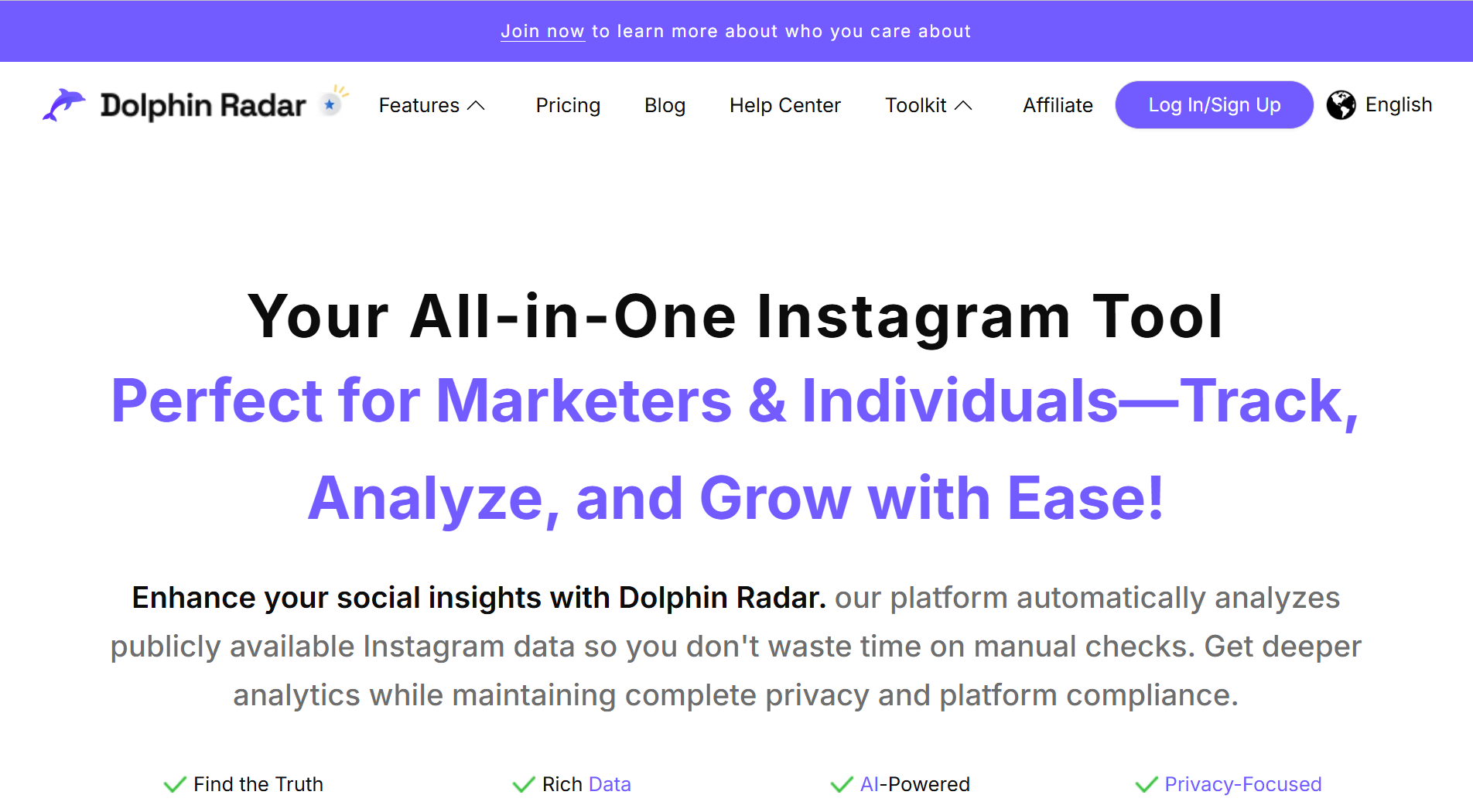
Best for: public profile research and story viewing.
What it can do:
View public profiles, posts, stories, and highlights
Search public accounts by username or profile link
Help with quick creator, brand, or competitor checks
Support light content research from one web page
Pros:
Covers several public content types
Easy to understand for first-time users
Useful when you do not want to open Instagram directly
Better than a basic post-only viewer
Cons:
It cannot show private profiles
Some features may require signup or paid access
Free usage may have daily limits
It is not built for account management
My take:
Dolphin Radar is a good fit if you need a broader Instagram profile viewer for public content. It is practical for light research, but it should not be treated as a hidden data tool.
Inflact is a more feature-heavy option. It is often used for public profile checks, post viewing, story viewing, reels, highlights, downloads, and simple content research.
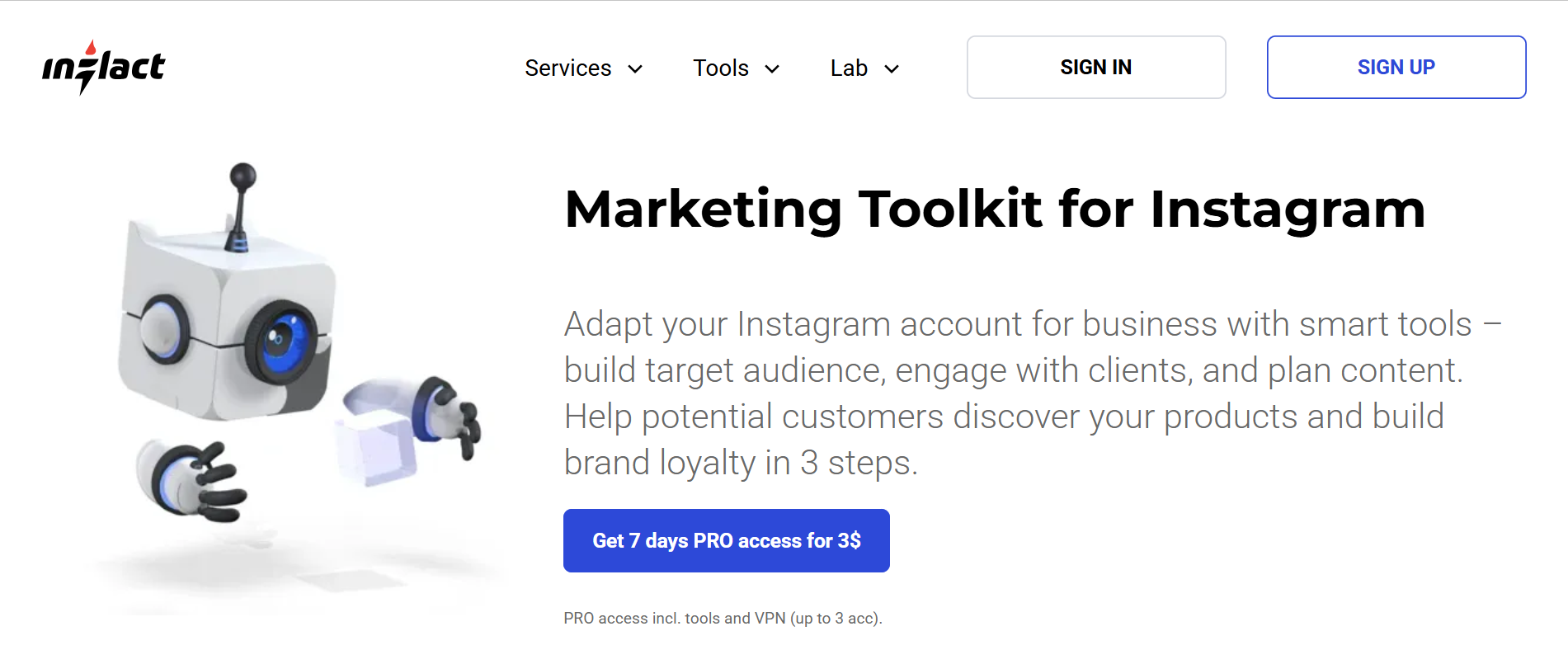
Best for: users who want public viewing plus extra research features.
What it can do:
View public Instagram profiles and content
Support posts, stories, reels, and highlights
Download public media in supported formats
Provide basic profile or content insights
Pros:
More complete than many simple viewers
Useful for marketers and content researchers
Supports several Instagram content formats
Can help collect public content references
Cons:
Free usage may be limited
Some features may require a paid plan
It can feel too much if you only need quick viewing
It cannot bypass Instagram privacy settings
My take:
Inflact is better for people who want more than casual browsing. If you do content research often, it may be useful. If you only need to check one public profile once in a while, it may be more than you need.
BoostFluence is a simpler option for checking public Instagram content. It is not trying to be a full analytics platform. That can actually be a good thing if your needs are basic.
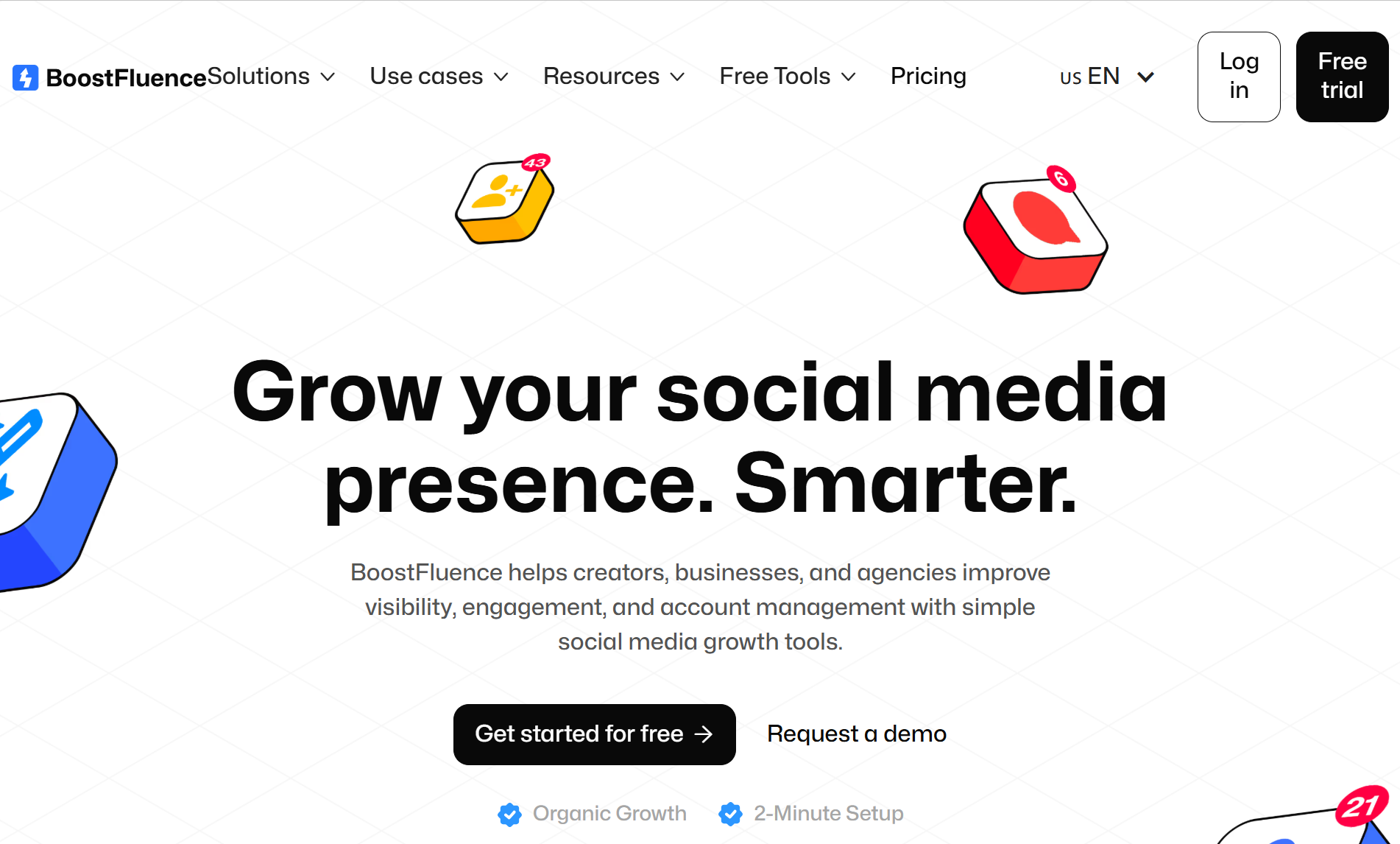
Best for: quick public profile checks.
What it can do:
View public Instagram profiles
Browse public posts, stories, and reels
Help with simple content review
Support fast checks without a complex setup
Pros:
Simple and easy to use
Good for quick public browsing
Less overwhelming than larger tools
Suitable for casual research
Cons:
Limited depth for analytics
Not ideal for structured competitor research
May not offer enough data for marketing teams
Not designed for managing your own accounts
My take:
BoostFluence is useful when you want a lightweight Instagram profile viewer and do not need advanced details. It is a practical option for quick checks, but not a serious workflow tool.
Save Free is closer to a public Instagram viewer and downloader. Its main value is simple access to public content such as posts, stories, reels, highlights, and profile pictures.
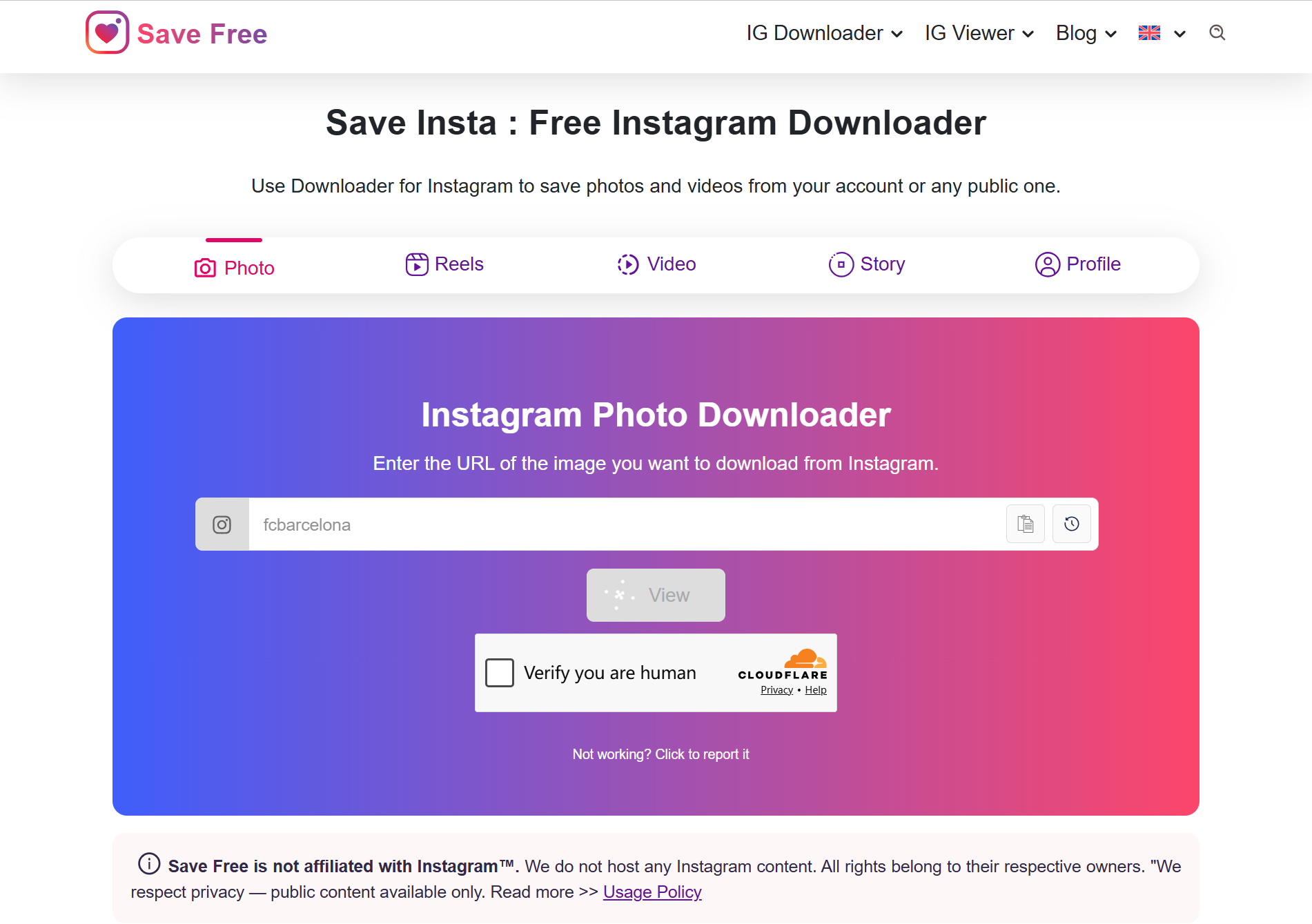
Best for: viewing or saving public Instagram content.
What it can do:
View public profiles and media
Save public posts, stories, reels, or profile pictures
Help collect visual references
Support simple browsing without heavy setup
Pros:
Easy to use for public content downloads
Good for saving inspiration or references
Covers common Instagram content types
Simple enough for non-technical users
Cons:
Limited research and analytics features
Not suitable for account operation
Public content may not always load fully
It does not help with login safety or account isolation
My take:
Save Free is fine if your main goal is to view or save public content. But it is not a good choice if you need account workflow, team use, or deeper Instagram research.
InstaPV is a lightweight viewer with a slightly different angle. Besides public profile viewing, it may support recent follower or following checks for public accounts.
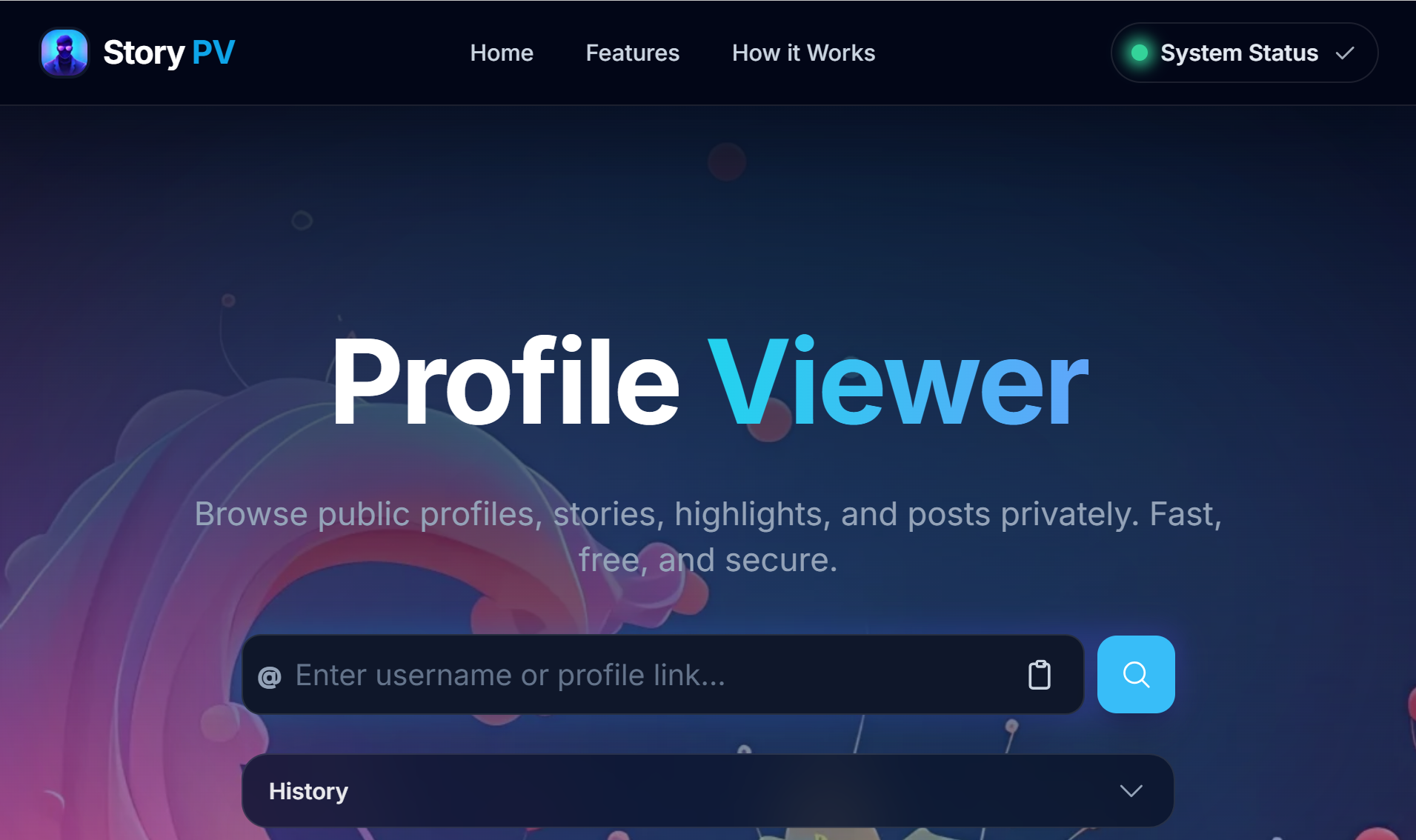
Best for: simple profile checks and follower-related viewing.
What it can do:
View public Instagram profiles
Check available public stories
View profile pictures
Review limited follower or following activity
Pros:
Simple and focused
Useful for quick public checks
Follower-related features make it different
Does not feel overloaded with features
Cons:
Follower data may be limited
Information may not always be complete
Not strong enough for deep account analysis
Cannot show private account data
My take:
InstaPV is useful if you care about basic public profile activity. Still, I would keep expectations realistic. Third-party follower data can be incomplete, especially when Instagram changes access rules.
A good Instagram profile viewer can help you check public content. That is the useful part. The problem starts when users expect these tools to do things they were never meant to do.
They cannot show private Instagram profiles. If an account is private, the content is only available to approved followers. Any tool that claims it can unlock private profiles should be treated with caution.
They also cannot show who viewed your profile. Many users search does Instagram have profile views or can you see who viewed your Instagram profile. Instagram officially does not provide a direct way to see which person visited your profile, full stop. Third-party tools cannot reliably show who views your Instagram profile either. Only story views in instagram stories reveal specific viewers, and that is visible for 48 hours. If you switch from a personal account to a professional account or business account, instagram insights can show aggregate instagram profile views and profile visit data through a creator account, including non followers, but not individual names.
Instagram shows performance metrics such as likes, comments, and shares instead of profile viewers.
They cannot replace Instagram login features. Some content may only appear inside Instagram. Some public posts may fail to load through external tools because Instagram can limit third-party access.
They also cannot manage your Instagram accounts. Most viewer tools are read-only. You can look at content, but you cannot build a serious account workflow with them.
This difference matters. If you only need public browsing, a viewer may be enough. If you need to operate accounts, test content, or manage multiple profiles, you need a different kind of tool.
The biggest risk is not the idea of viewing public content. The risk comes from trusting the wrong tool.
Some websites ask users to log in with Instagram. Be careful with that. A basic public viewer does not need your Instagram password. If a tool asks for Instagram credentials before showing public content, that is a bad sign. Entering them into third party apps or even a random app can expose your account to hacking risks.
Some tools promise private profile access. This is another red flag. These pages often lead to surveys, suspicious downloads, fake verification steps, or phishing forms. Many apps and party apps that claim to reveal instagram stalkers or a secret list of profile viewers provide misleading information, often ask for payment upfront, and should not be trusted.
There is also a data quality problem. Public viewers can be delayed, incomplete, or unstable. Instagram changes access rules often, so a tool that works today may not work the same way next month. Using outside tools to scrape data can violate Instagram's terms of service.
Tracking is another point to consider. Viewer websites can collect technical signals from your device, browser, and network. These signals may include IP address, cookies, device type, and browser fingerprint data.
Account risk is different but still important. If you manage several Instagram accounts from one device, one IP, and one browser setup, your workflow can become messy. Repeated unusual activity may increase security checks or restrictions. If this is already a concern, read more about how an Instagram IP ban can happen. Even if they look like a convenient service, these tools do not protect your account or user privacy, full stop.
An Instagram profile viewer helps you look at public content. It does not help you manage Instagram accounts.
If you are a casual user, that may be fine. But if you are a marketer, agency operator, creator team, or affiliate team, your real problem is usually bigger than viewing. You may need to log in, check mobile-side content, test posts, manage several accounts, or keep team workflows organized.
That is where MoreLogin Cloud Phone fits better.
MoreLogin is not an Instagram profile viewer. It is made for account workflow and environment management. Instead of only checking public posts, users can work with separate mobile environments for different accounts.
This matters because Instagram is a mobile-first platform. Many actions feel different on mobile than they do on desktop. A cloud phone setup gives users a cleaner way to handle mobile-side tasks without putting everything on one local phone.
For teams, the value is structure. Each account can have a separate environment. This helps reduce confusion between accounts and makes daily operations easier to control.
MoreLogin Cloud Phone can help with:
Managing different Instagram accounts in separate mobile environments
Checking account status from mobile-side setups
Reducing messy account switching on one device
Supporting team-based Instagram workflows
Keeping account operations more organized over time
No tool can remove all account risk. Instagram still has its own systems and rules. But a clean workflow is always better than logging into many accounts from the same device with no separation.
Start with your real use case.
If you only want to view public posts or stories, choose a simple tool. BoostFluence or Save Free may be enough.
If you want more content formats, look for support for posts, reels, stories, highlights, and profile pictures. Dolphin Radar or Inflact may be better options.
If you care about follower-related checks, InstaPV may be worth reviewing. Just remember that follower data may not always be complete.
Avoid tools that promise private profile access. That is not a reliable feature. It is usually a warning sign.
Avoid tools that ask for your Instagram password. There is no good reason to give login details to a random viewer site just to check public content.
Most importantly, do not use the wrong tool for the job. Viewer tools are for looking at public content. Workflow tools are for operating accounts. Mixing those two needs often leads to poor decisions.
An Instagram profile viewer can be helpful for public browsing. Dolphin Radar, Inflact, BoostFluence, Save Free, and InstaPV each serve a slightly different need. Some are better for stories. Some are better for downloads. Some are better for quick profile checks.
But the limits are clear. These tools cannot show private profiles. They cannot answer does Instagram show who viewed your profile with a hidden visitor list. They also cannot manage your accounts.
If your goal is simple public research, a viewer is enough. If your goal is serious Instagram account workflow, you need a better setup. For that, MoreLogin is the stronger long-term option because it focuses on isolated environments, cleaner account handling, and more organized mobile workflows.
Can you see who views your profile on Instagram?
No. Instagram does not show a full list of people who viewed your profile. Even if you're curious, there is no secret list, and only visible activity like story views or comments can hint at interest. You can see story viewers for a limited time, but that is different from profile visitors.
Does Instagram have profile views?
Instagram does not offer a normal profile view list for a personal account. A professional account gives more insight, and a creator account or business account may show aggregate metrics such as profile visits and how followers and non followers interact, but they do not show every viewer’s name.
Can you see who viewed your Instagram profile?
No. A third-party Instagram profile viewer cannot reliably show who viewed your Instagram profile. Tools that promise this should be treated carefully.
Does Instagram show who viewed your profile?
No. Instagram does not show who viewed your profile. It only shows viewers for certain content types, such as stories, within a limited time window.
Can an Instagram profile viewer show private profiles?
No reliable viewer can show private Instagram profiles without permission. Some people try using burner accounts for anonymous viewing, but private content is still only available to approved followers.
Are Instagram profile viewer tools safe?
Some tools are fine for viewing public content. But you should avoid tools that ask for your Instagram password, promise private profile access, or require suspicious downloads. They are often unreliable and may misuse your credentials.
Is there any better way to understand who is interested in your account?
Yes. Focus on how people connect with your content by creating better posts and tracking the ways followers and friends engage. For example, Instagram Insights can help you see patterns in reach and engagement at scale.
 EN
EN