- Product

- Pricing
- Affiliate Program
- Developers
- Resource
 EN
EN
Twitter/X has a lot of videos worth saving. Some are news clips. Some are creator posts, tutorials, memes, product demos, or GIF-style videos. But Twitter/X does not always give users a direct download button.
That is why people use a twitter video downloader. Most tools work in the same basic way. You copy the post URL, paste it into the tool, and download the video as MP4 or HD when available. The real question is which tools are easy to use, which ones support the formats you need, and which ones feel safe enough to use.
Best for: Simple Twitter/X video and GIF downloads
What it does:
Twitter Video Downloader is one of the most straightforward tools for saving videos from public Twitter/X posts. It uses the common copy and paste method. You can open Twitter, tap the share icon, use copy link, then copy the tweet link and paste the tweet link into the input box to download the file.
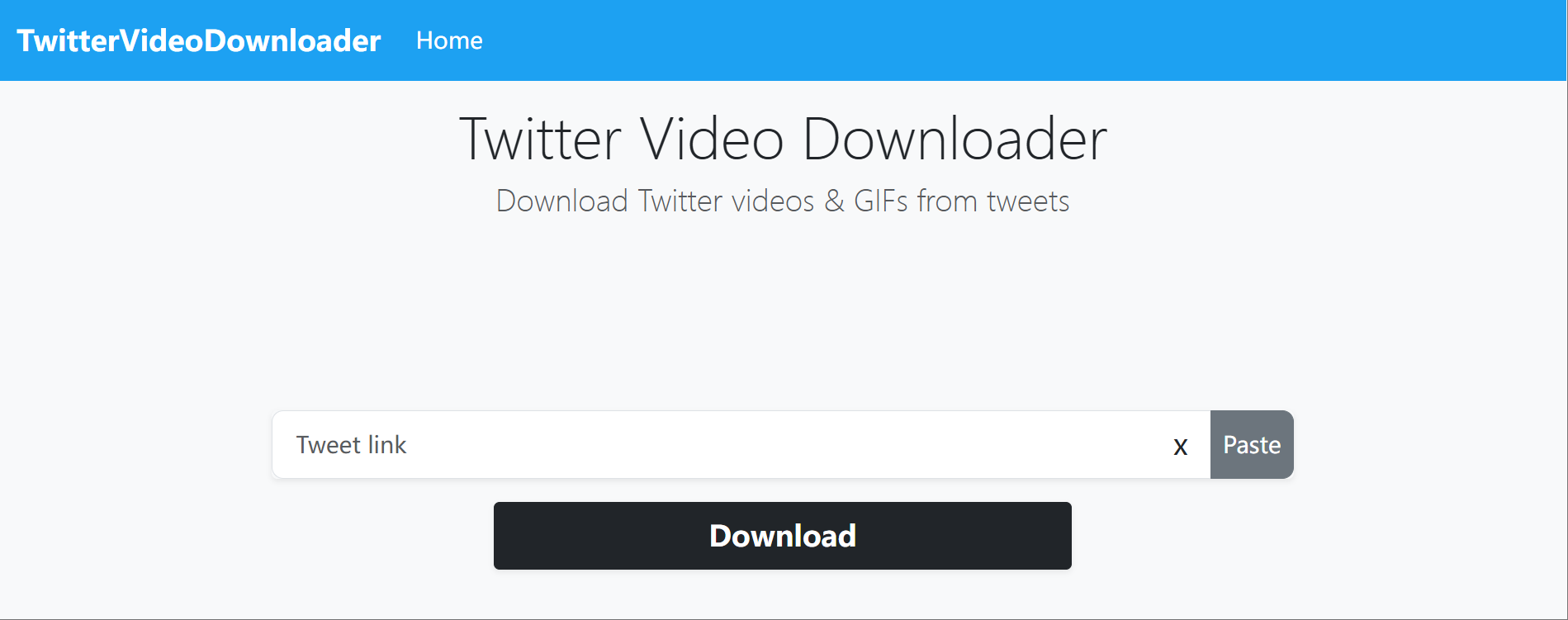
The tool is useful for users who do not want to install software, add a browser extension, or sign in with a Twitter/X account. It lets users download twitter videos online with just a tweet url, and it works on desktop browsers, Android phones, iPhones, and tablets. It also works for public tweets, not private accounts that require a twitter account login.
It can also work with Twitter videos and GIFs from tweets, which is helpful because many Twitter/X GIFs are not true GIF files. They are often video files displayed in a GIF-like format.
Key features:
Downloads videos from public Twitter/X post links
Helps users save Twitter videos in mp4 format from public tweets
Can work with GIF-style Twitter/X media
Works on desktop and mobile browsers
Does not require Twitter/X login for public posts
Notes:
The tool is simple, but users still need to be careful with the page experience. Some downloader pages may show ads or repeated download buttons. Always check that you are clicking the actual download option. Like most tools in this category, it will not work for private, deleted, or restricted posts.
Best for: MP4, GIF, and possible MP3 options
What it does:
SaveTweetVid is another well-known option for saving Twitter/X videos. It follows the same basic flow. Copy the post URL, paste it into the search field, and choose one of the available download options.
Its main value is format flexibility. Based on the tool information provided, SaveTweetVid can help users convert twitter videos to MP4 files and, where available, choose video quality or different video resolutions. It can also save GIFs and convert some video content into MP3. That makes it useful for people who want more than a simple video file.
For example, a user may want to save favorite twitter videos for offline viewing, keep a GIF-style post for reference, or extract audio from a public clip. SaveTweetVid is not the only tool that offers this, but it gives users more format choices than some basic downloaders.
Key features:
Downloads public Twitter/X videos
Supports MP4 downloads
Can support GIF downloads
May offer MP3 conversion
Works on desktop, mobile, and tablet browsers
Notes:
A twitter video downloader hd tool can only provide HD, original quality, or full hd when the source Twitter/X video includes those versions. If the source video is low quality, the downloaded file will also be limited. This is not a tool failure. It is a source quality issue.
Best for: Fast basic downloads and MP3 conversion
What it does:
TWDOWN.net is a long-running Twitter video downloader online tool. It lets users paste a Twitter/X video link and generate downloadable files, fetching media from the twitter cdn so files are directly stored from the source rather than by the site itself. According to the material provided, the site has released several updates over the years to fix video detection issues, improve performance, and handle changes in Twitter/X link structures.
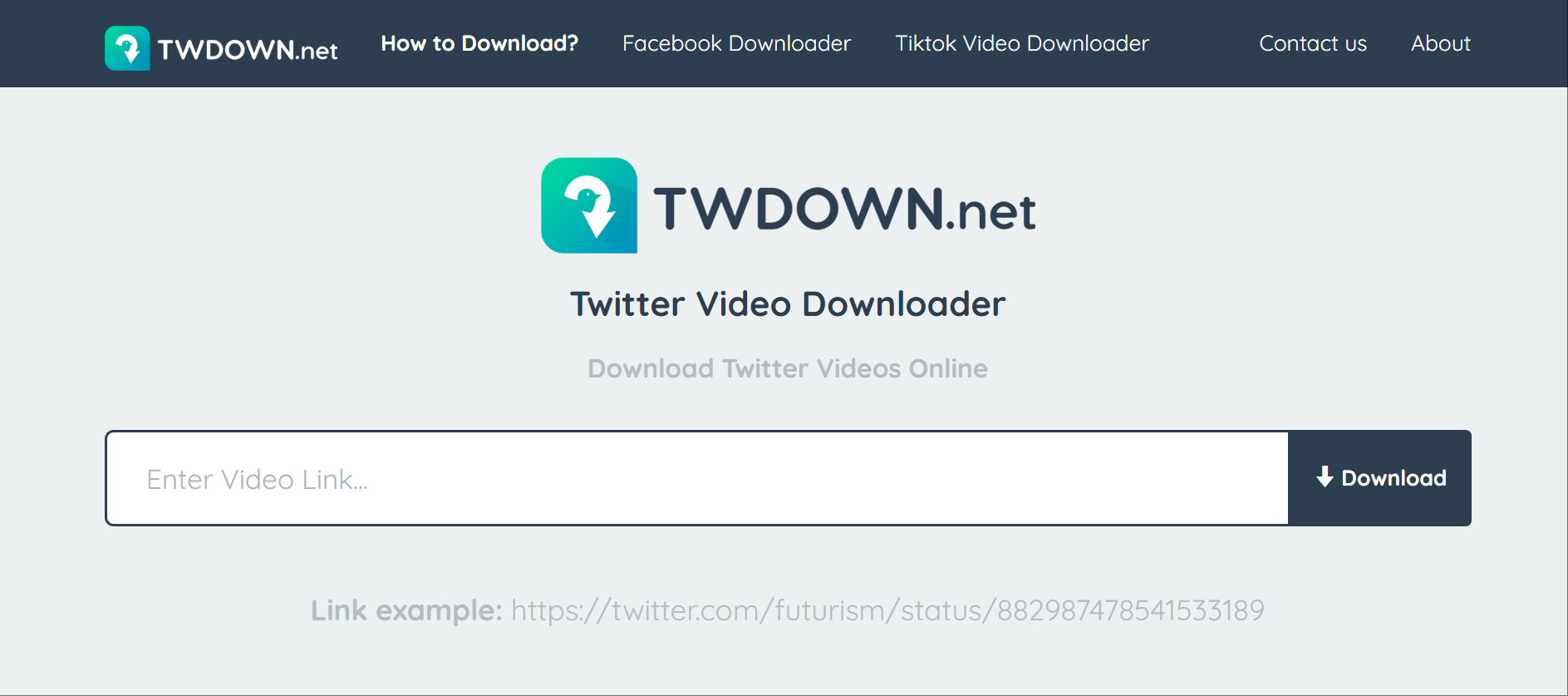
That matters because Twitter/X changes often. A downloader that worked last month may fail if the platform changes how it serves media. TWDOWN.net’s update history suggests that video detection has been a recurring focus.
The tool also mentions Twitter to MP3 conversion. This can be useful if a user wants to save audio from a public video. For normal use, though, MP4 will usually be the better choice because it keeps the video and audio together.
Key features:
Downloads Twitter/X videos from public URLs
Supports MP4 output
Offers Twitter to MP3 conversion
Uses a basic browser-based workflow
Has a history of fixing video detection issues
Notes:
Reddit discussions around Twitter/X video downloaders show a real concern with some third-party downloader sites. Users have reported bad experiences with redirects, unsafe files, and confusing buttons. This does not mean every downloader is unsafe, but it does mean users should avoid fake buttons, unknown installers, browser notification prompts, and anything that feels unrelated to the video download, and downloader sites should not host copyrighted material, host copyrighted material for redistribution, enable unauthorized file sharing, or support unauthorized file sharing of copyrighted material.
Best for: Backup downloads when other tools fail
What it does:
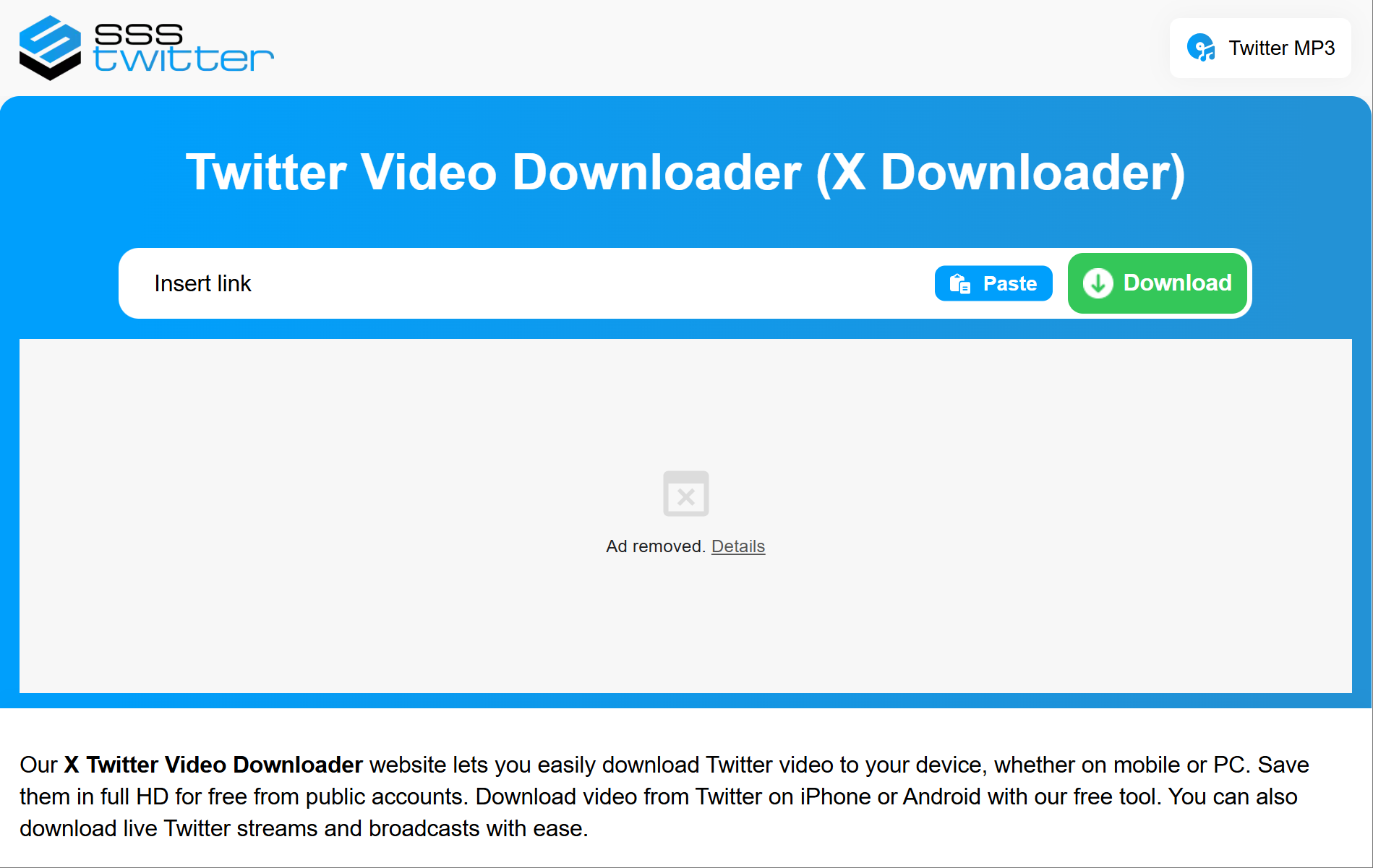
sssTwitter is a browser-based downloader for Twitter/X videos. It supports the standard workflow. Paste a public Twitter/X post link, press download, and choose from the available video results.
The tool says it works on mobile and PC, supports public account videos, and can save videos in MP4. It also highlights HD downloads when available. When it detects a valid link, it aims to save Twitter videos quickly, which makes it useful as a backup option when another downloader cannot detect the same link.
This backup value matters. Twitter/X downloaders often depend on platform structure. If Twitter/X changes how media files are served, some tools may fail for a while. Having more than one option saves time.
Key features:
Downloads public Twitter/X videos
Supports MP4 output
Can offer HD when the source allows it
Works in desktop and mobile browsers
Does not require a browser extension or Twitter/X login
Notes:
The post must be public and must contain a video. If the link points to a private account, deleted post, restricted post, or a text-only post, the tool may not return a usable file. This is normal for most downloader tools.
If a downloader adds a wait time, the only restriction is usually there to optimize downloading speed, deliver the best downloading speed possible, and reduce server loading because download speed is tuned to reduce server loading.
Best for: A cleaner online workflow
What it does:
Publer Twitter Video Downloader is a completely free twitter downloader online and twitter video downloader website that lets users paste a Twitter/X video URL and download Twitter videos from public tweets in just a few clicks. Based on the material provided, Publer highlights a few practical points. It works flawlessly across devices and major browsers on more than one operating system, does not require registration, does not add watermarks, and does not show ads on the tool page.
That gives it a cleaner feel than many free downloader sites. It is especially useful for creators, marketers, and social media managers who want to save public videos for reference, content research, or internal planning.
Publer also sits inside a larger social media product ecosystem. Its site includes tools for scheduling, content planning, Twitter/X analysis, hashtag ideas, captions, and post previews. That does not make the downloader more powerful by itself, but it does make the tool feel more structured than a random standalone download page.
Key features:
Free Twitter/X video download tool
Supports HD download when available
No registration required
No watermark
Works on mobile, desktop, and major browsers
Notes:
Publer still depends on the original Twitter/X post. If the video is private, deleted, restricted, or unavailable, the tool may not fetch it. Users should also avoid reposting or reusing someone else’s video without permission.
Most Twitter/X downloaders look similar at first. The difference is usually in the details: format support, HD availability, GIF handling, mobile experience, page cleanliness, and whether the tool asks for unnecessary account access.
No tool can create real HD quality from a low-quality source. If the original Twitter/X video was uploaded in low resolution, the downloader can only give you the best version that exists.
We picked these tools based on practical use. A good twitter video downloader should not make the process harder than it needs to be.
Simple online workflow
The best tools use a clear copy and paste flow. The process should take a few simple steps, and users should follow the steps mentioned in the tool interface to save the file. No complex setup should be needed for a public video or an app-free download.
MP4 and HD support
MP4 is the most useful format for most users. It works on phones, computers, video editors, cloud storage, and most social media tools. HD support is also useful, but only when the original video supports it.
Desktop and mobile support
Many users find videos on their phones first. A good twitter video downloader online should work with SaveTWT-style web tools on Windows, Android, Mac, and iOS.
No Twitter/X password required
For public posts, a downloader should not ask for your Twitter/X password. If a website asks for account credentials just to download a public video, that is a serious warning sign.
Lower risk of confusing redirects
Some free downloader websites show fake buttons, pop-ups, browser notification requests, or unrelated software offers. We gave more weight to tools that are easier to understand and less likely to confuse users.
Useful backup value
Twitter/X changes often. A tool that works today may stop detecting links tomorrow. That is why it helps to know several options instead of relying on one downloader.
Even a reliable downloader can fail. In many cases, the issue is not the tool itself but the post, the link, or changes on Twitter/X.
The video link does not work
This can happen when the post was deleted, the account became private, the tweet link was copied incorrectly, the post is not public, or the post does not contain a real video file.
HD quality is not available
A twitter video downloader hd tool can only download the quality that exists. If the original video was uploaded in low resolution, there may be no HD version to save.
The tool cannot detect the video
Twitter/X may change its media structure. When this happens, some downloaders stop working until they update their detection system.
The download button opens ads or redirects
This is one of the most common complaints with free downloaders. Avoid fake download buttons, browser notification prompts, unknown software installers, and files that do not look like video files.
Private videos cannot be downloaded
Most tools are built for public tweets. Private content may require access through a Twitter account, and these tools generally should not be used to bypass private accounts, restricted content, or content you do not have permission to access.
The file format is not what you expected
Some tools may offer MP4, MP3, GIF, Twitter GIFs, or multiple quality options. If you need a video file, choose MP4 before downloading. If a twitter downloader video tool gives you an unfamiliar file type, do not open it blindly.
A downloader solves one narrow task. It helps you save a public Twitter/X video. But many teams working on Twitter/X have a larger problem. They manage multiple accounts, research content, test posts, check competitors, work with creators, and run campaigns from different browser environments.

In that kind of workflow, the risk is not only about downloading a video. It is also about account separation, cookies, fingerprints, proxy settings, login sessions, team access, and handover control.
MoreLogin is not a twitter video downloader. It is built for users who need separated browser profiles and more stable multi-account operations. Each browser profile can keep its own cookies, fingerprint settings, proxy configuration, language, time zone, and browsing environment. This helps reduce session conflicts when several accounts are managed from one workspace.
For Twitter/X research, users may also compare tools such as Twitter viewer tools. If Twitter/X is part of your daily work, choosing the right browser for Twitter users also matters.
MoreLogin’s anti detect browser supports Chrome and Firefox profiles, fingerprint management, proxy matching, encrypted local data, team permission control, synchronizer features, and automation API access. For teams, these features are more relevant than a one-time download button.
For simple video saving, the five tools above cover most common needs. Twitter Video Downloader is direct and easy to use. SaveTweetVid is useful when you want more format options. TWDOWN.net is a familiar option for quick downloads. sssTwitter works well as a backup. Publer gives users a cleaner online experience with no registration or watermark.
The main rule is simple. Use downloaders only for public videos, avoid suspicious buttons, do not enter your Twitter/X password, and respect the rights of the original creator.
If your work goes beyond saving videos and involves multiple Twitter/X accounts, browser profiles, proxies, and team access, MoreLogin is a better fit for daily account operations.
How do I use a Twitter video downloader online?
Open Twitter, tap the share icon, and copy the tweet link from the Twitter/X post that contains the video. Paste the tweet URL into the downloader input box, then choose the available MP4 or HD option and save the file in a few simple steps. The post usually needs to be public. On iPhone, downloaded videos may be saved directly to the Photos app depending on the tool or browser flow.
Can I download Twitter/X videos in HD?
Yes, if the original video has an HD version. A downloader cannot turn a low-quality upload into real HD. It can only provide the best quality available from the source, and some tools offer multiple video resolutions while preserving original quality when available.
Can I save Twitter/X videos as MP4?
Yes. Most tools on this list support MP4. MP4 is the standard format for most Twitter videos because it works well on phones, computers, video editors, and cloud storage.
Can I download GIFs from Twitter/X?
Some tools support downloads for twitter videos and gifs, or save Twitter/X GIFs as video files. If you need a separate guide, read this article on how to download a GIF from Twitter.
Is it safe to use a free Twitter video downloader?
Not always. Use tools that do not ask for your Twitter/X password. Avoid fake download buttons, unknown software installers, browser notification prompts, and suspicious redirects.
Is it legal to download videos from Twitter/X?
It depends on the content and how you use it. Saving your own content or content you have permission to use is safer. Do not repost, sell, or reuse someone else’s video without permission. These tools should not host copyrighted material or enable unauthorized file sharing.

 EN
EN