- Product

- Pricing
- Affiliate Program
- Developers
- Resource
 EN
EN
Android automation tools help users reduce repetitive mobile work. They can open apps, tap buttons, run scheduled tasks, test app flows, read notifications, or control mobile environments at scale.
For solo users, this may mean simple tasks like auto-replying to messages or running scheduled actions. For teams, it may mean testing apps, managing mobile workflows, checking account access, or keeping different account environments separated.
This guide compares 10 Android automation tools for different needs. Some are no-code apps for beginners. Some are developer frameworks for app testing. Some are cloud-based platforms built for multi-account operations.
MoreLogin Cloud Phone is not a traditional Android automation app like Tasker or MacroDroid. It is better understood as a cloud Android environment for teams that need separated mobile devices, stable sessions, proxy-based workflows, and batch operations.
With MoreLogin Cloud Phone, users can create and manage cloud Android devices from one dashboard. Each cloud phone can be used for app access, account testing, content checks, mobile workflow management, and team-based operations.
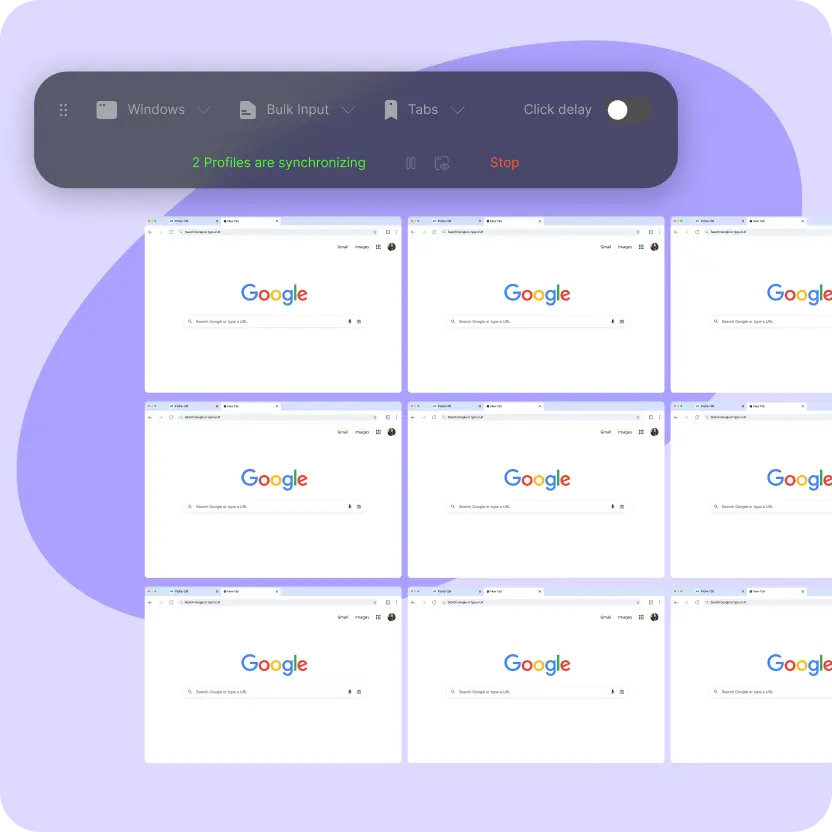
This makes it useful when automation is not only about tapping buttons. In many real workflows, teams also need clean environments, separate sessions, device-level consistency, and easier remote access.
Cloud-based Android devices managed from one workspace
No need to buy or maintain physical phones
Separate mobile environments for different accounts or projects
Supports Android-based app workflows
Useful for batch mobile operations
Can work with scripts, APKs, and workflow tools depending on the task
Helps teams separate device data, sessions, proxies, and account access
Suitable for teams that also use a multi-account browser for desktop-side account work
MoreLogin Cloud Phone is best for teams that manage multiple mobile accounts, test app access, run mobile-side workflows, or need cloud Android devices for daily operations.
It is especially useful when the workflow needs both scale and environment separation.
MoreLogin Cloud Phone is not a pure scripting framework. If your main need is deep UI test scripting, Appium or UIAutomator may be a better fit.
It is stronger when the goal is to run mobile workflows inside separated cloud Android environments.
MacroDroid is one of the easiest Android automation tools for beginners. It lets users create automation rules with a simple structure: trigger, action, and constraint.
For example, a trigger can be opening an app, connecting to Wi-Fi, receiving a notification, or reaching a certain time. The action can be changing volume, sending a reply, opening another app, or adjusting phone settings.
MacroDroid is popular because it does not feel like a developer tool. Most users can understand the logic after a few minutes.
Simple trigger, action, and constraint setup
No coding required
Clean mobile interface
Built-in templates and community macros
Supports scheduled tasks
Can read notifications and react to phone events
Works well for daily personal automation
Good starting point for users new to Android automation
MacroDroid is best for beginners, solo users, small teams, and creators who need simple Android automation without writing code.
It is a good choice for scheduled actions, notification-based tasks, and lightweight mobile workflows.
MacroDroid is not ideal for complex app testing or large-scale technical workflows.
It can automate many phone actions, but advanced UI control may require extra tools or a more technical solution.
Automate is a visual Android automation tool. It uses a flowchart-style builder, which makes it easier to understand how each step connects to the next one.
Instead of writing scripts, users drag blocks into a flow. Each block represents an action, condition, wait time, app event, or system event.
This makes Automate useful for people who want more control than MacroDroid but still do not want to code.
Flowchart-style automation builder
No coding required
Supports many built-in blocks
Can open apps, send messages, read status, and adjust settings
Supports timed actions and condition-based workflows
Good for visual thinkers
More flexible than many basic automation apps
Suitable for building multi-step mobile processes
Automate is best for users who want visual workflow building and more logic control than basic automation apps.
It works well for repetitive phone tasks, scheduled actions, and simple app-based workflows.
Automate can become hard to manage when flows grow too large.
It is also not designed for professional app testing or large team-based mobile operations.
Tasker is one of the most established Android automation tools. It is powerful, flexible, and widely used by advanced Android users.
Tasker works through profiles and tasks. A profile defines when something should happen. A task defines what the phone should do.
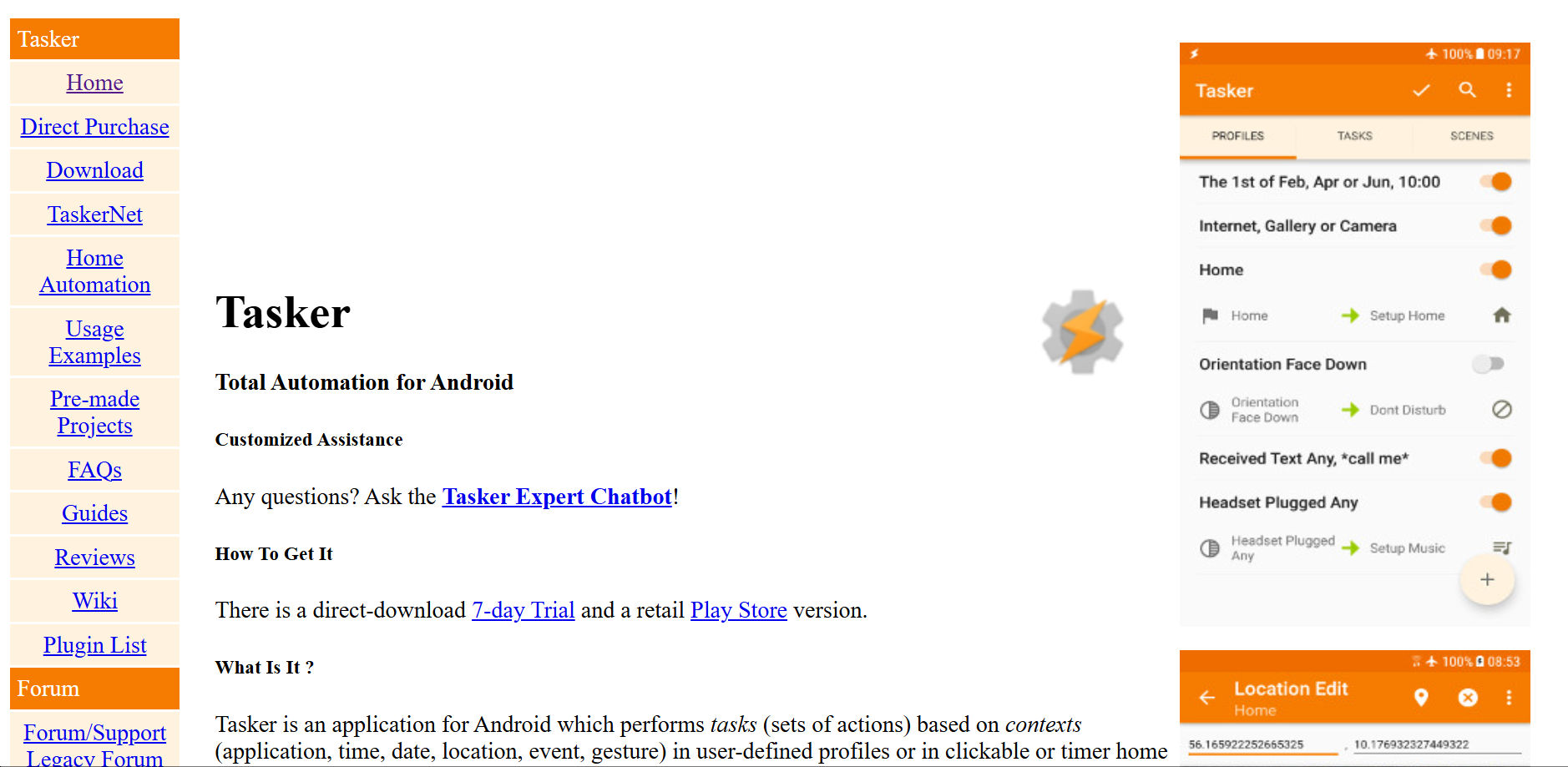
For example, users can set actions based on time, location, Wi-Fi status, battery level, app launch, or notification content. With plugins, Tasker can also handle more advanced interactions.
Highly customizable automation logic
Supports time, location, app, sensor, and system triggers
Can create complex multi-step workflows
Strong plugin ecosystem
Works with tools like AutoInput and Automator Pro
Good for advanced personal automation
Can control many Android system settings
Useful for power users who need detailed logic
Tasker is best for advanced users who want full control over Android automation.
It is also useful for operations users who understand basic logic and need regular, repeatable mobile actions.
Tasker has a learning curve. Beginners may find it confusing at first.
Some advanced actions require plugins, extra permissions, or tools like Shizuku.
Appium is an open-source automation framework for mobile app testing. It supports Android, iOS, and some desktop app workflows.
Unlike MacroDroid or Tasker, Appium is mainly built for developers and QA teams. It allows teams to write scripts that open apps, find interface elements, tap buttons, enter text, and verify app behavior.
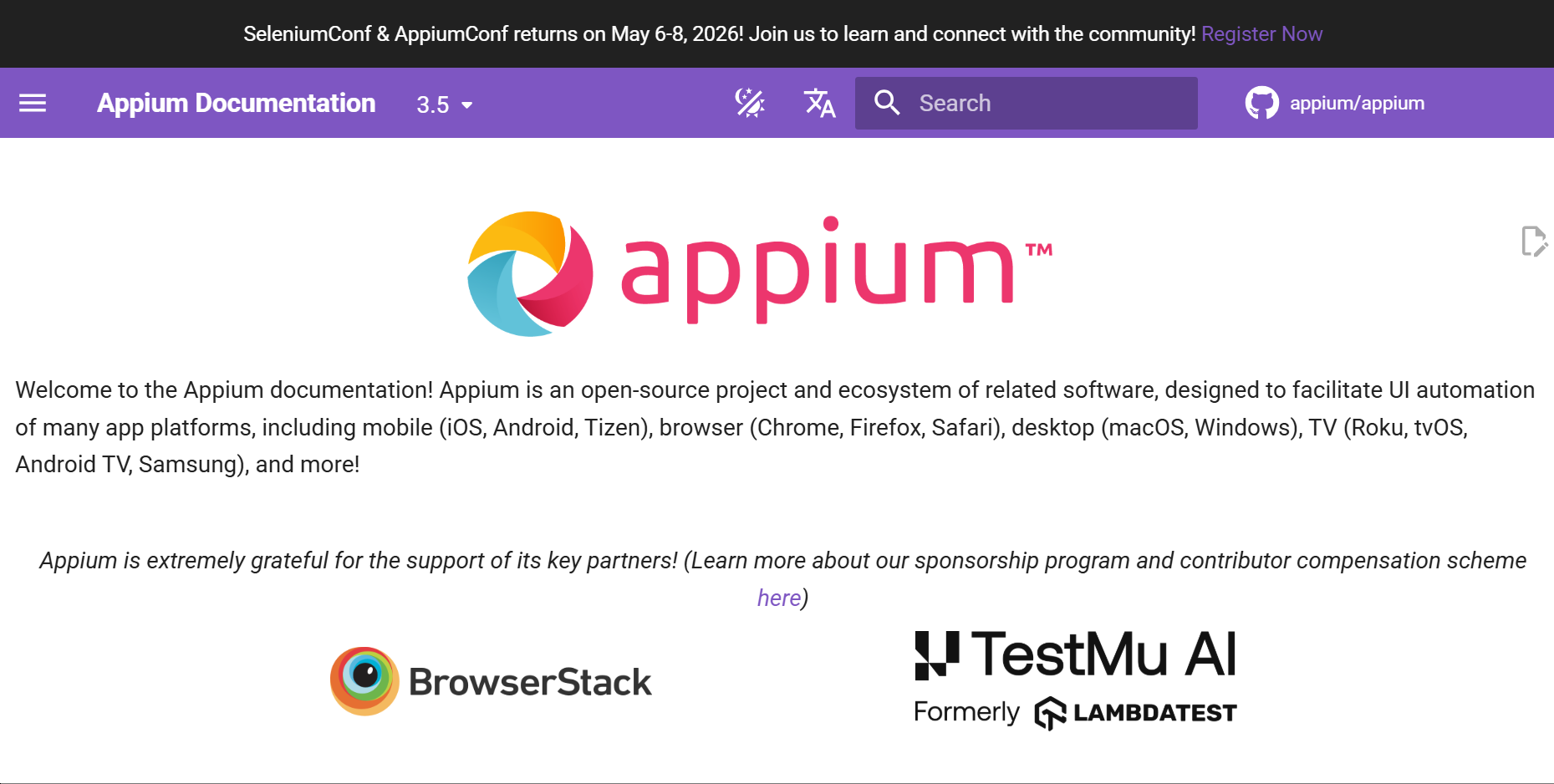
Appium is often used in testing pipelines because it supports multiple programming languages and can work with real devices, emulators, and cloud device platforms.
Open-source mobile automation framework
Supports Android and iOS
No need to modify app source code in many cases
Supports Java, Python, JavaScript, C#, and more
Works with real devices and emulators
Useful for regression testing
Can be integrated into CI/CD workflows
Strong community and documentation
Appium is best for developers, QA teams, and technical teams that need repeatable mobile app testing.
It is also useful when one team needs to test both Android and iOS apps with a similar workflow.
Appium requires programming knowledge.
It is not the best choice for beginners who only want simple phone automation.
UIAutomator is Google’s native Android UI automation framework. It is designed for testing Android user interfaces through code.
It can interact with Android apps by finding UI elements, clicking buttons, entering text, swiping screens, and checking app behavior.
Because it is closely tied to Android’s testing ecosystem, UIAutomator is a strong choice for developers who need accurate Android-side UI control.
Official Android UI testing framework
Developed for native Android testing
No root required
Works with Android Studio
Can locate UI elements by text, class, ID, or other attributes
Supports clicks, swipes, input, and waits
Good for structured test cases
Reliable for Android-focused testing projects
UIAutomator is best for Android developers and QA engineers who need native Android UI testing.
It is a strong option when the workflow is focused on Android apps only.
UIAutomator is not beginner-friendly.
It requires Android development knowledge and is not suitable for simple daily automation.
Selenium is best known as a web automation framework. On Android, it is often used together with Appium or cloud testing platforms to automate mobile web and hybrid app workflows.
For example, a team may use Selenium-style scripts to open Chrome on Android, visit a web page, click elements, fill forms, or test mobile web behavior.
This makes Selenium for Android useful for teams that already use Selenium for desktop web testing and want to extend similar workflows to Android.
Useful for mobile web automation
Works well with Appium
Supports Java, Python, JavaScript, and other languages
Can test browser-based Android workflows
Suitable for hybrid app testing
Can run on emulators, real devices, or cloud devices
Good for teams already using Selenium
Can support CI/CD testing workflows
Selenium for Android is best for web development teams, QA teams, and technical teams that need mobile browser testing.
It is a good fit when Android automation is focused on websites or hybrid apps.
Selenium alone is not enough for full Android app automation.
It usually needs Appium or another mobile testing layer to work properly on Android devices.
DroidBot is an open-source Android testing tool. It is mainly used for automated app exploration and interface traversal.
Instead of following one fixed script, DroidBot can explore app screens, click elements, record actions, and generate logs. This helps QA teams find crashes, broken flows, and hidden app issues.
It is often used for black-box testing, where the tester does not need to modify the app source code.
Open-source Android app exploration tool
No source code modification required
Can test installed APKs
Supports automated clicks, swipes, and app traversal
Generates logs and screenshots
Useful for crash detection
Works with command-line workflows
Good for QA and research use cases
DroidBot is best for QA engineers, app testers, and developers who need automated app exploration.
It is useful when a team wants to quickly check many app screens and find stability issues.
DroidBot is not designed for business workflow automation.
It is mainly a testing and exploration tool, so it may not fit users who need controlled, repeatable account workflows.
BotSauce is a mobile game automation tool. It is designed to reduce repetitive actions in supported games.
Instead of building every action from scratch, users can choose supported modules or templates for certain game tasks. These may include routine actions, resource collection, or repeated in-game operations.
This type of tool is different from general Android automation tools. It is more focused on game scenarios than business, testing, or productivity workflows.
Designed for mobile game automation
Supports pre-built modules for some games
Can use image or text recognition in supported workflows
May support multiple instances depending on setup
Lower barrier than writing custom scripts
Community-based usage and documentation
Useful for repetitive game actions
Focused on game-specific workflows
BotSauce is best for users who want to reduce repetitive tasks in supported mobile games.
It is not a general-purpose Android automation platform.
Game automation may violate the terms of some games. Users should check the rules of each game before using it.
BotSauce is also less relevant for business operations, app testing, or account management workflows.
Automator Pro is an advanced plugin for Tasker users. It expands what Tasker can do by giving users more control over system-level and UI-level actions.
If Tasker is the automation engine, Automator Pro works like an upgrade layer. It helps users build more advanced tasks without creating everything from scratch.
It is most useful for users who already understand Tasker and want stronger control over clicks, scrolling, app actions, and system behavior.
Advanced plugin for Tasker
Supports more powerful UI actions
Can work with Shizuku for higher-level permissions
Useful for simulated clicks and scrolling
Helps build complex Tasker workflows
Faster than some basic plugins in certain tasks
Good for advanced Android users
Works well for users who need detailed automation control
Automator Pro is best for advanced Tasker users who want more control over Android actions.
It is suitable for users who already understand automation logic and want to go beyond basic Tasker workflows.
Automator Pro is not a standalone beginner tool.
It depends on Tasker and may require extra permission setup, so it is not ideal for users who want a simple no-code experience.
The best Android automation tool depends on your workflow.
For beginners, MacroDroid and Automate are the easiest starting points. They do not require coding and can handle many daily phone tasks.
For advanced personal automation, Tasker and Automator Pro offer more control. They are better when you need custom triggers, detailed logic, or more powerful UI actions.
For app testing, Appium, UIAutomator, Selenium for Android, and DroidBot are stronger choices. They are built for developers and QA teams, not casual users.

For multi-account mobile workflows, MoreLogin Cloud Phone is the better fit. It focuses on separated cloud Android environments, remote access, team operation, and stable mobile-side workflows.
Android automation should be used carefully. Automation can save time, but repeated actions can also create problems if they are too aggressive or poorly planned.
Here are a few basic rules:
Follow the rules of the apps and platforms you use.
Avoid repetitive actions that look unnatural.
Keep account environments separated when working with multiple accounts.
Use consistent device, session, and network settings.
Back up important data before running automation.
Test workflows slowly before scaling them.
Do not use automation for spam, fraud, or unauthorized access.
For teams managing multiple accounts, environment separation matters. A browser fingerprint can include signals such as device data, browser data, language, screen size, time zone, and other identifiers. On mobile workflows, similar consistency issues can also matter. That is why cloud Android environments and separated browser profiles are often used together.
Android automation tools are not all built for the same purpose.
MacroDroid and Automate are good for beginners. Tasker and Automator Pro are better for advanced personal automation. Appium, UIAutomator, Selenium for Android, and DroidBot are better for testing teams. BotSauce is mainly for game-related repetitive tasks.
For teams that need multi-account mobile workflows, separated Android environments, and cloud-based operations, MoreLogin Cloud Phone is the most relevant option in this list.
If your work involves both browser-side and mobile-side account operations, MoreLogin gives you a more complete workspace for managing profiles, cloud phones, proxies, sessions, and team access in one place.
An Android automation tool helps automate actions on Android devices. It can open apps, tap buttons, read notifications, adjust settings, run scheduled tasks, or test app flows.
Some tools are built for everyday users. Others are built for developers, QA teams, or multi-account operations.
MacroDroid and Automate are the best options for beginners. They use visual setup methods and do not require coding.
MacroDroid is easier for simple rules. Automate is better for users who prefer flowcharts.
Many Android automation tools do not require root access. MacroDroid, Automate, Tasker, Appium, UIAutomator, and MoreLogin Cloud Phone can all be used without rooting a personal phone.
Some advanced actions may need extra permissions or tools like Shizuku.
Android automation tools usually run tasks on a local phone, emulator, or connected device.
Cloud phones provide remote Android environments. They are useful when teams need multiple mobile environments, separated sessions, and easier remote management.
Appium is better for cross-platform testing because it supports Android and iOS.
UIAutomator is better for native Android UI testing when the workflow is focused only on Android.
MoreLogin Cloud Phone is a strong fit for multi-account mobile workflows because it provides cloud Android environments, separated sessions, and team-based management.
For desktop-side account work, teams can also use MoreLogin’s multi-account browser together with cloud phones.

 EN
EN